Find a starting place
A gentle Baseline assessment explores what your child already knows and helps find a comfortable starting point. They receive encouragement, with no scores or timers shown.
Maths practice for children aged 4–11
Welcome to Big Maths Beat That! A woodland world where your child practises from their own starting point, and you can see where a little help could make a difference.
Free Baseline assessment, continued practice at their current CLIC level, Learn Its and parent progress reports.
Available now on Android. Register your free account, then download the app from Google Play.
No payment to start. A card is required during adult setup, with £0 charged. Free access does not become a paid plan automatically.
Already have an account?Open your account portal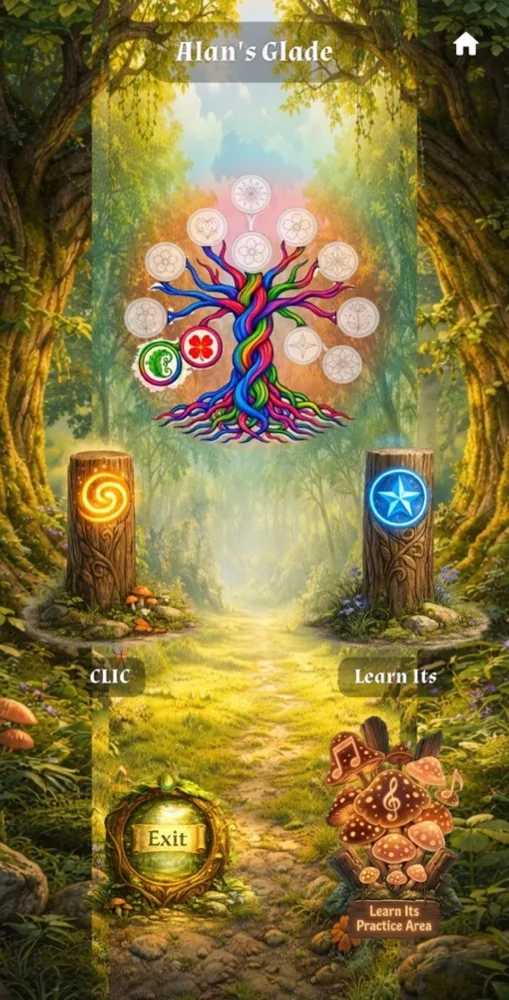
Start with your child
You don't need to guess where to begin. Our simple baseline assessment explores your child's number facts and the basic skills of maths, finding a starting place for each.
A gentle Baseline assessment explores what your child already knows and helps find a comfortable starting point. They receive encouragement, with no scores or timers shown.
CLIC challenges practise the basic skills of maths. Learn Its helps children practise and recall essential number facts. When an answer needs another look, the app guides your child towards focused practice.
In your web portal, follow your child’s progress, see where they need support, and use helpful teaching notes and advice to guide them with confidence.
A useful free start
Your child completes their Baseline assessment and first Challenge Set, then keeps practising their current CLIC level and continues their Learn Its journey without payment. In your parent account, follow their progress, identify skills that need support and explore helpful teaching notes.
Choose a paid plan to unlock new CLIC levels. Register your free account and download the Android app from Google Play.
A place that feels like theirs
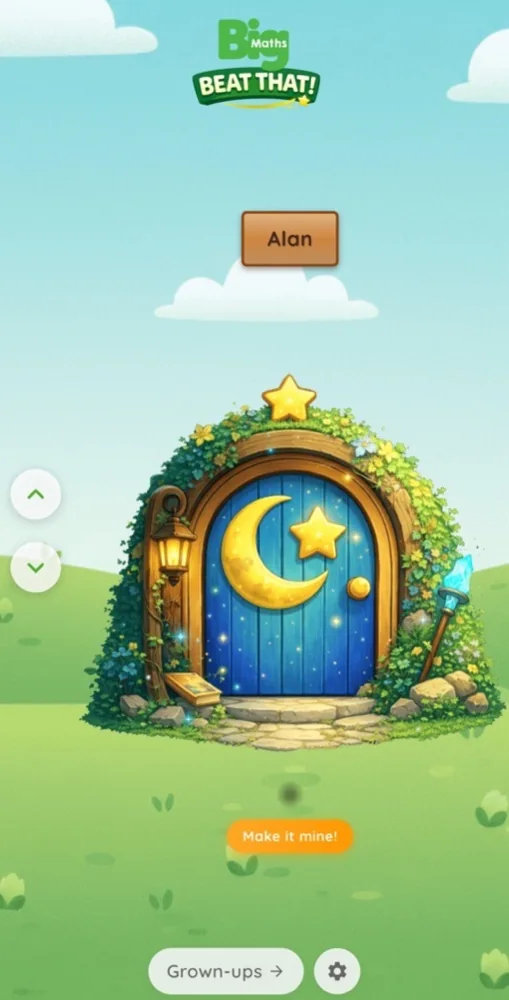
A real screen from Big Maths Beat That!
Choose a favourite Door, add the name or nickname they’d like to use, and step into their own Glade.



Six Door designs to choose from
Explore family useFacts, families and familiar tunes
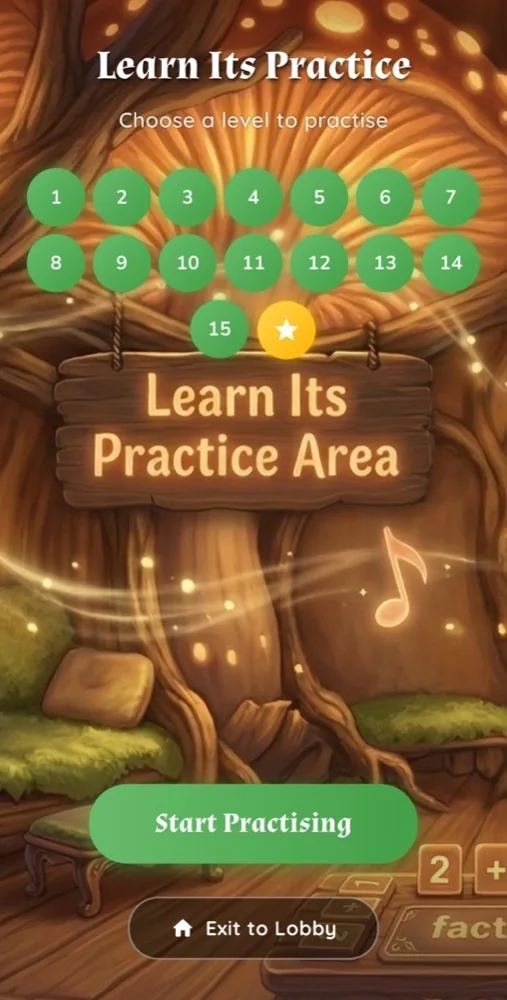
Step into Learn Its Practice
Learn Its Practice explores fact families. Knowing 3 + 4 = 7 helps children discover 4 + 3 = 7, 7 − 3 = 4 and 7 − 4 = 3.
Catchy jingles repeat the facts in the background while your child answers related questions. They’re designed to help those facts stick.
Fair warning: the jingles might get stuck in your head too! Prefer a quieter session? Switch on Quiet Mode.
Explore the practice journeyFour facts, four jingles. Scroll across or choose a fact below.
Addition · 1 of 4
Addition · 2 of 4
Multiplication · 3 of 4
Multiplication · 4 of 4
Make their Glade feel like home
Personalise the app with recordings from you, relatives or friends. Let familiar voices welcome your child, celebrate their progress and cheer them on at special moments.
A proud grandparent. A favourite auntie. Someone who always makes them smile. Record a short message for your child to hear through Pip, their friendly companion in the Glade.
Parents and carers manage the optional recordings in their account. Choose the child and the moment, record up to ten seconds, then listen back before saving.
Explore Family Voice recordings
Pip brings their familiar voices into the Glade
The adults in their corner
Practice for children. A clearer picture for the adults helping them. See their progress and put your support where it matters.
Parents & carers
See your child’s strengths, discover which skills need another look, and find one thing to try together this week. Helpful teaching notes give you a place to begin, even if school maths feels a long time ago.
See how it helps your familyTutors
Simple summaries and detailed skill insights help you spot where pupils are finding maths tricky. Use pupil reports, recent activity and teaching notes to focus your next lesson and make more of your time together.
Explore the tutor benefitsSchools & teachers
Give pupils basic maths practice from their own starting points. Follow class progress, see who still needs their Baseline assessment, and bring suitable practice into their learning.
Explore Beat That! for teachersLooking for whole-school teaching resources and planning? Explore Big Maths Online.
A few things you might be wondering
Baseline and the first Challenge Set are free. Your child can keep practising their current CLIC level and continue Learn Its without payment, while you follow their progress in your parent account. A paid plan unlocks new CLIC levels. Adult setup requires a payment card, with £0 charged. Free access does not automatically turn into a paid subscription. The Android app is available now on Google Play.
No school connection is needed to use Big Maths Beat That! It is a separate app from Big Maths Online and Big Maths at Home, with its own account.
The child experience uses encouragement, the Progress Tree and Learn Its medals. It doesn't display scores, rankings or a clock to beat.
Adults explain new ideas. The app explores what the child can do, offers practice and shares information that can help adults decide where teaching may be useful.
Baseline and questions already available on the device work offline. Connect for setup, new content and to share saved progress with your account.
The Android app is available now. Get it on Google Play, then use your account portal for getting-started information.
Their next adventure starts here
Baseline, continuing practice and parent progress reports are free. Register your free account and start with the Android app today.