Broader maths: CLIC
Counting, Learn Its, It's Nothing New and Calculation form the Big Maths framework. The app's CLIC challenges explore broader maths skills.
Inside the adventure
Big Maths Beat That! brings maths practice into the Glade. Your child begins with what they can already do, explores suitable practice and grows their own Progress Tree. You get a clearer picture of where to help.
Baseline explores number-fact recall first, then broader CLIC maths. It finds two starting places, which can be at different levels.
Help your child with the screen controls, while letting them supply their own mathematical answers. Follow the break choices if they need to stop.
The result is a starting point for practice and conversation, rather than a school-year judgement.
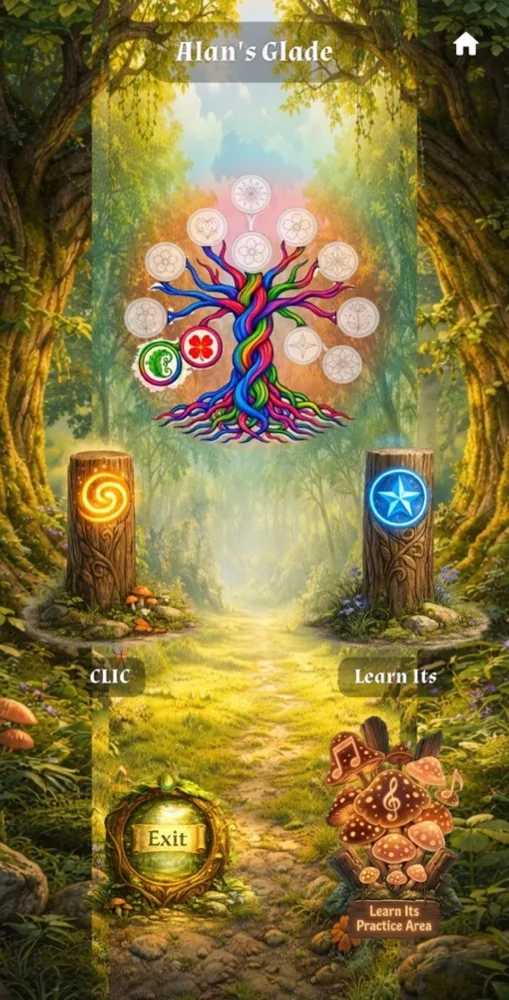
Counting, Learn Its, It's Nothing New and Calculation form the Big Maths framework. The app's CLIC challenges explore broader maths skills.
Number facts, including bonds and times tables, build towards fluent recall. Bronze, Silver and Gold celebrate successful challenge rounds.
A separate practice area explores facts and their related calculations. Practising a fact family is different from replaying a medal challenge.
Another question gives your child another chance to explore the idea. Practice Cove offers focused stages where suitable content is available: Repeat, Revisit and Real Life.
Stepping Stones, shown as “Now Try This!” to the child, explores earlier related skills. The app may invite a grown-up to help with an explanation.
You can use those clues to choose a small step together. A quick explanation or a familiar example can make the next visit feel more comfortable.
The Progress Tree brings the CLIC and Learn Its journeys together. For parents, progress reports show strengths and a suggested activity under “One thing to try this week”. Skill notes offer guidance for the ideas that need another look.
Ask “Show me how you thought about this,” and choose one manageable next step together. When the device shares its saved work, your account can show the latest progress.
Explore the guides