Look at the journey
See their Progress Tree, CLIC and Learn Its progress, and a report that brings their strengths and next steps together.

For parents and carers
You don’t need to remember every maths method from school. See what your child has been practising, read helpful guidance, and find one thing to try together this week.
Set up your family account, then sign into the app on your child’s device when it’s available.
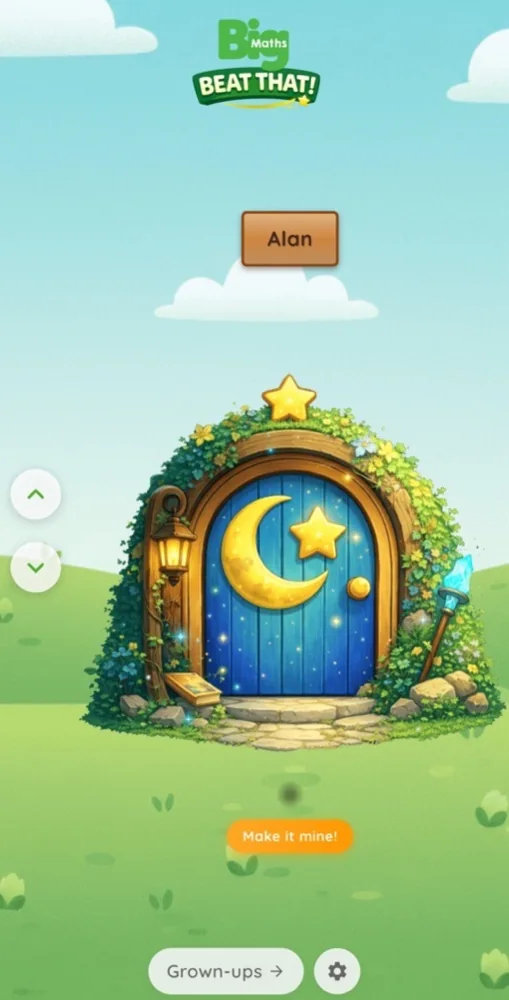
Your child chooses their Door and meets the Glade. Their first activity, Baseline, helps find a comfortable place to begin. Help with the controls while letting them give their own maths answers.
There is no need to complete both learning paths in one sitting. A short visit and a break are valid choices.
Open the account portalIf your child already has an account through a tutor or school, the parent guide explains how to link it to yours.
See their Progress Tree, CLIC and Learn Its progress, and a report that brings their strengths and next steps together.
Friendly skill notes can include pictures and explanations. Try “Show me how you worked that out”, then explore an example together.
Celebrate their own progress. Avoid competing targets or adding a stopwatch. Stop and listen if your child is tired or upset.
With Family Voice, you can record a short message for your child’s welcome or celebration. A familiar voice adds a personal touch to their Glade.
There’s help for you too: your child’s report suggests one manageable thing to try this week. A little conversation, a small activity, and a chance to notice what they can do.
Read the parent guide